


Magazine | Photo Book Layout Template
Magazine | Photo Book Layout Template
Download the FREE Template Pack

Necessary requirements:
• A free Canva account
• Free Affinity software installed on a desktop computer
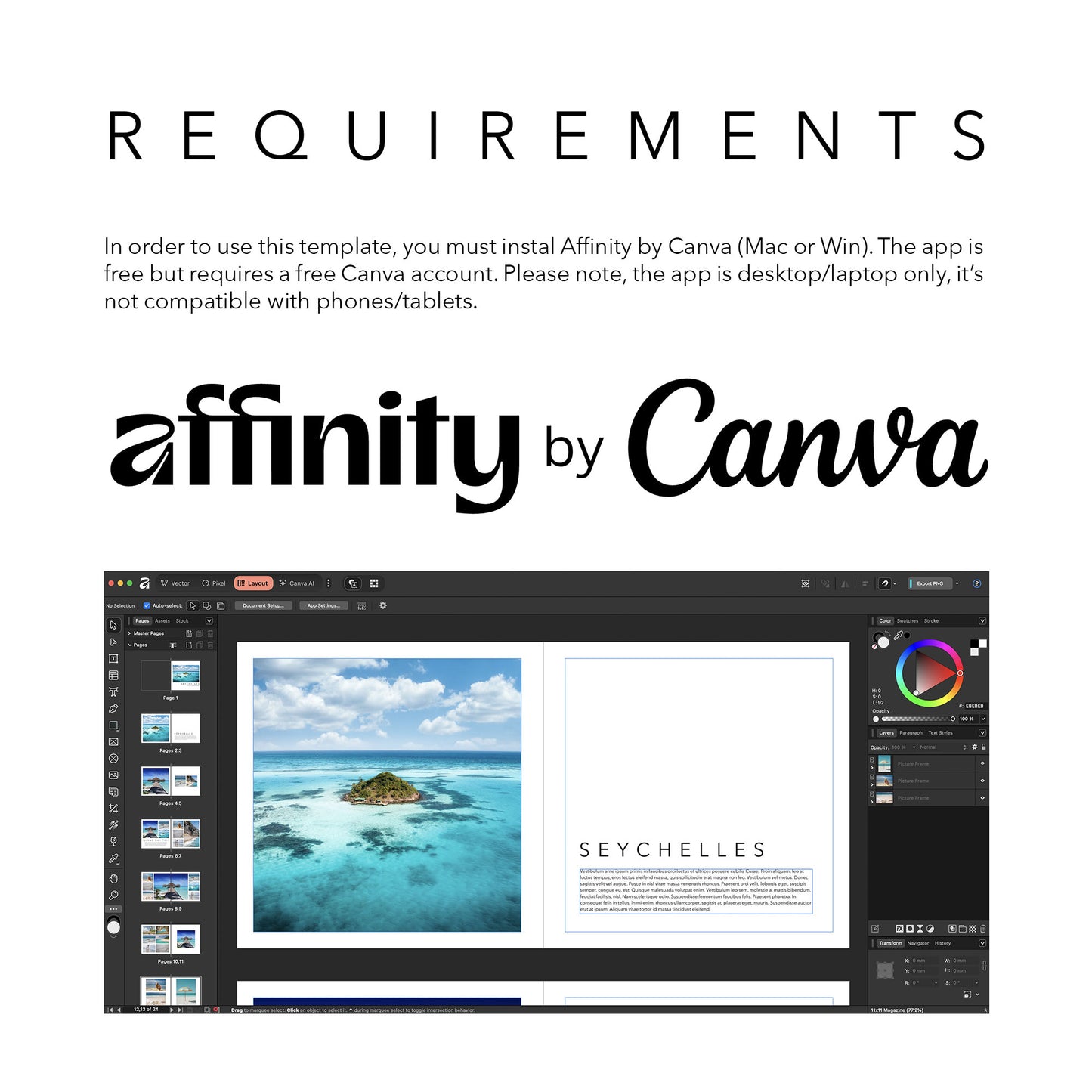
This photo book layout template can be freely edited in Affinity by Canva. Please note, in order to open the layout file, you MUST instal Affinity on your desktop computer/laptop (no tablet or phone compatibility). Watch our many tutorial videos to find out about the endless editing possibilities in Affinity.
Sizes
Sizes
This template is available for the following sizes:
• Photo Albums: 11x8.5" and 11x11"
• Photo Books: 8x10"
• Photo Book Binders: A5, 21x21 and A4
App Requirements
App Requirements
All templates require the Affinity Desktop app (Win or Mac). The application can be downloaded freely on the below link and you will need a free Canva account to use it. At this moment, you can't edit on phones/tablets.
Download Affinity: https://www.affinity.studio/download

HD INkjet Photo Books
-
Personalised Photo Book Binder
Regular price £34.99 GBPRegular priceUnit price per -
A4 Landscape HD Inkjet Photo Book Binder Pages
Regular price From £2.49 GBPRegular priceUnit price per

